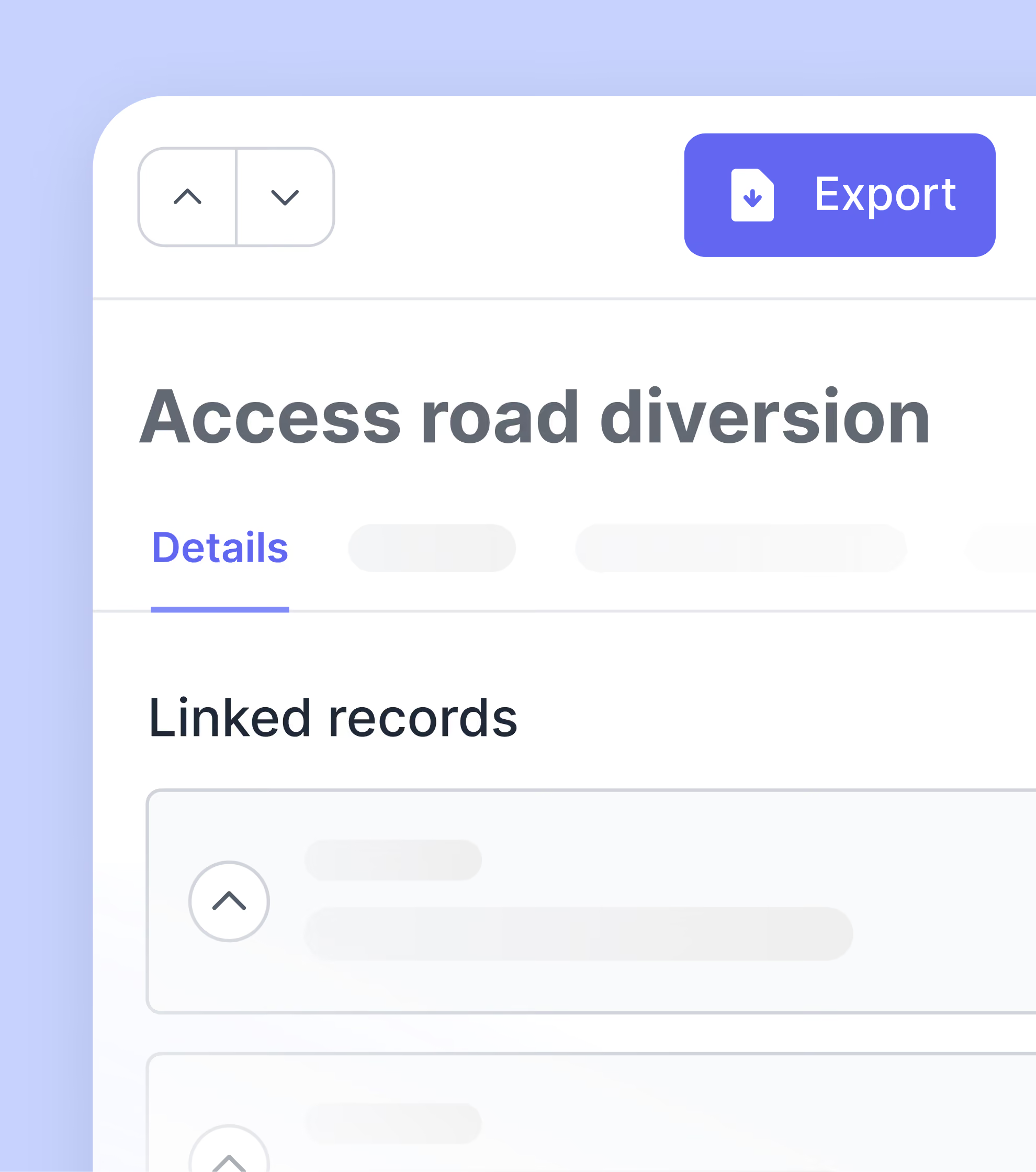
Daily reports eat up hours and still lack critical details.
Shift Manager makes daily reporting fast, complete, and reliable.
Capture daily progress in minutes, not hours
Standardize and simplify how progress and resources are captured on site so every team submits consistent, professional reports in minutes.
WHY IT WORKS
Includes step-by-step guidance for field teams
Works smoothly while on mobile
Pre-fills from yesterday’s report to save time
Track daily progress against planned work
Link every daily report to the schedule. Spot slippage, track completed work, and raise blockers as they happen.
WHY IT WORKS
Activities are pulled directly from the schedule
Daily downtime and issues get flagged
Access the full timeline of each activity and blocker
Track reporting quality across every team
Get real-time insight into which teams are keeping accurate records, ensuring every team stays on track and every report is reliable.
WHY IT WORKS
Each shift report gets a completeness score
Dashboard view shows reporting quality across teams
Missing data and gaps are flagged immediately
See how Shape works for you

Capture defensible records and see change coming.
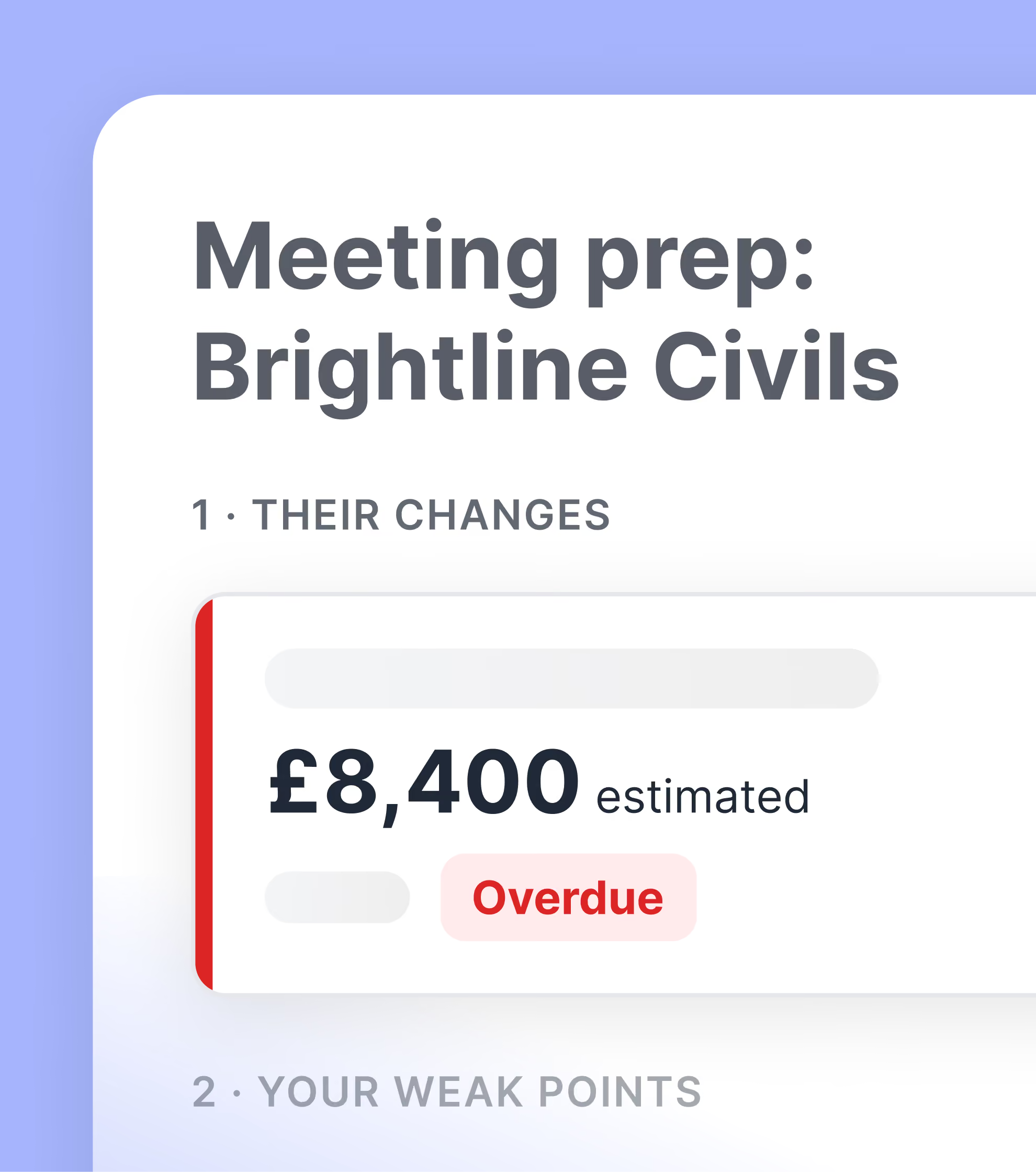
Protect margin with real-time change visibility and evidence that holds up.
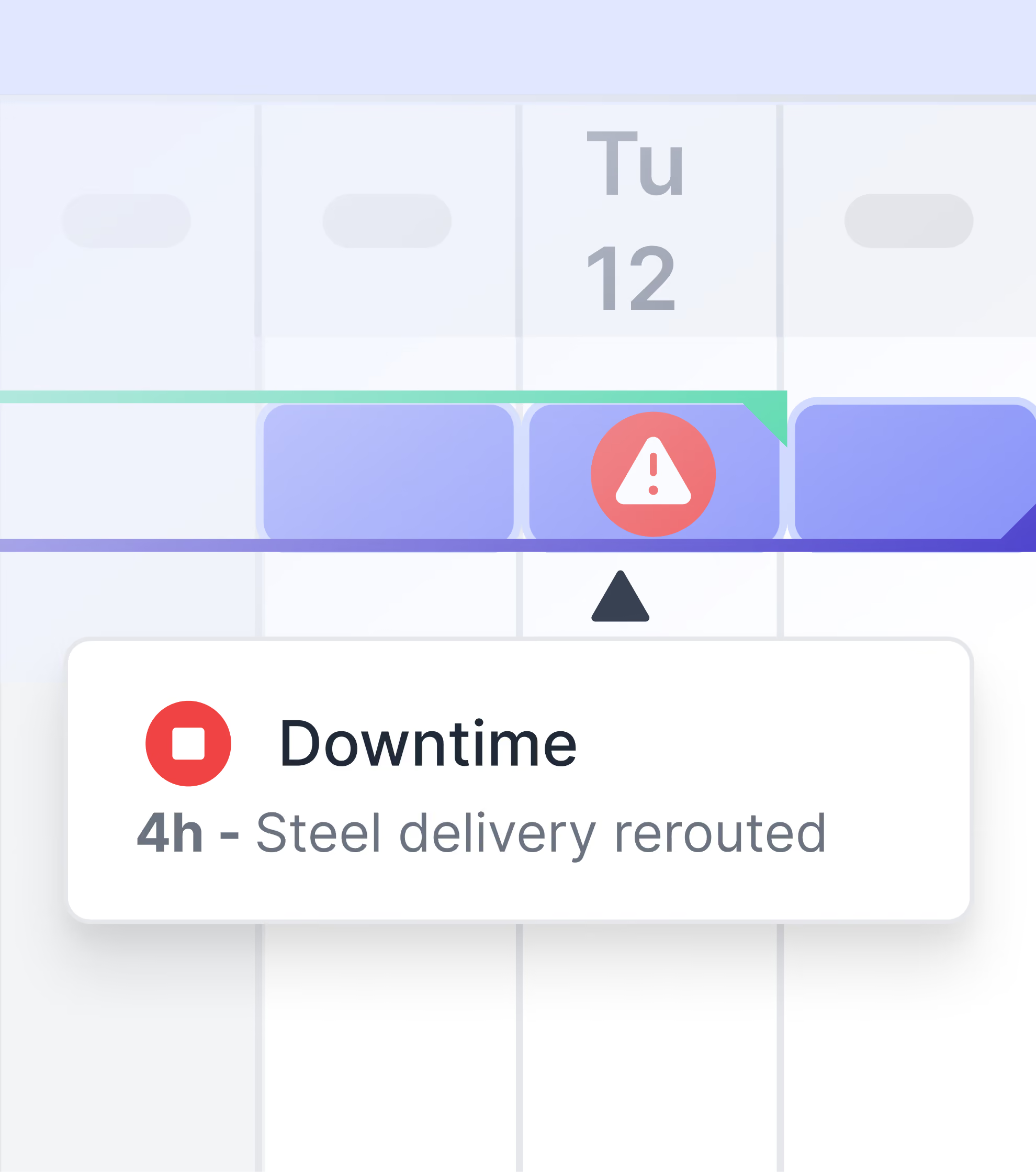
Track progress against schedule without manual work.
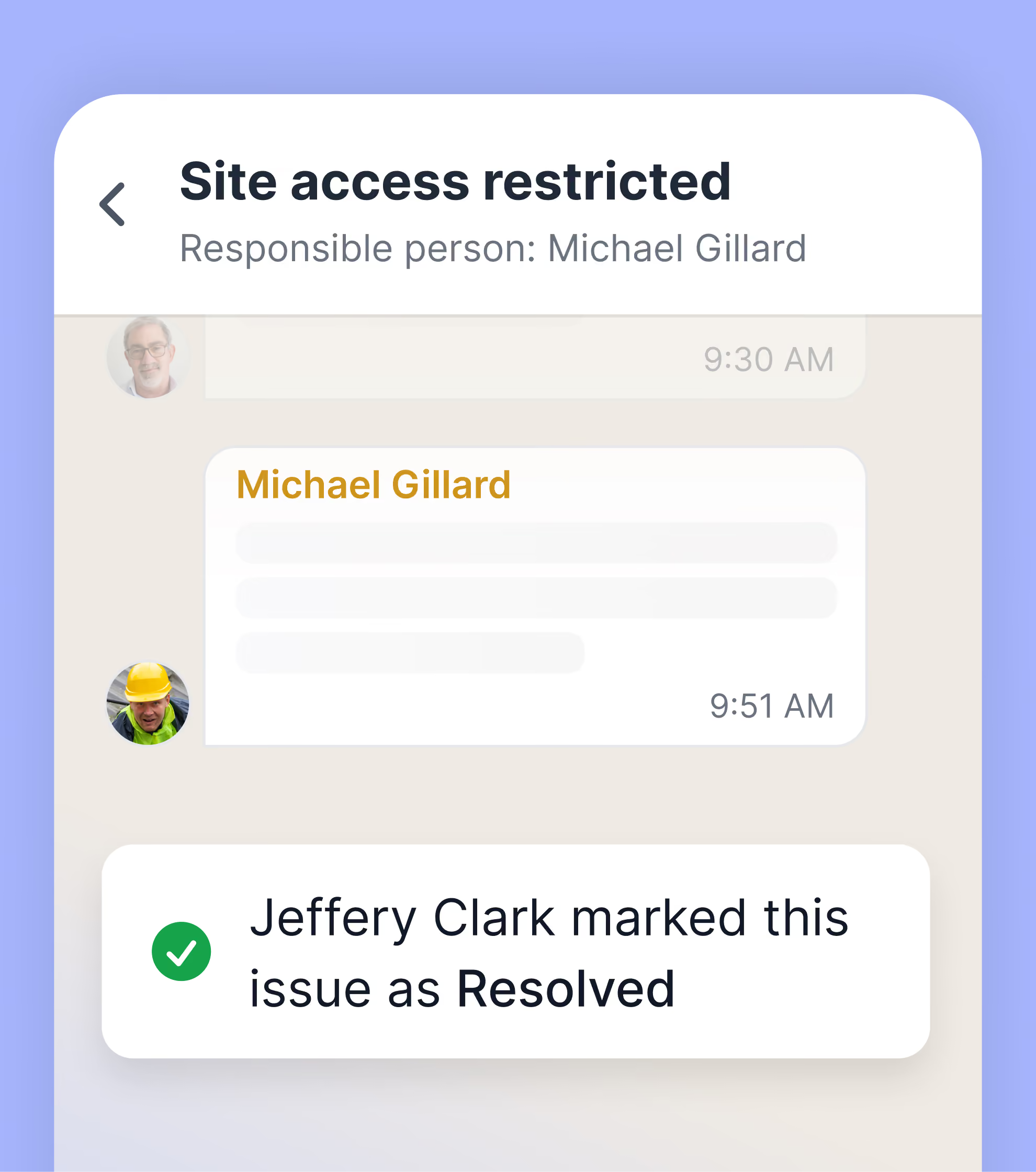
Keep site teams coordinated and issues resolved.
Explore other tools in Shape
Frequently Asked Questions
Shape Shift Manager is construction daily reporting tool that captures detailed progress, labor hours, equipment use, materials installed, and downtime against scheduled activities. Reports can be pre-filled from the previous shift, updated on mobile, and roll up into a defensible record of what each crew delivered. It replaces paper diaries and ad-hoc spreadsheets with a structured, auditable daily progress report.
Most site managers or superintendents complete a Shift Manager daily report in five to ten minutes because activities, resources, and locations pre-fill from yesterday's submission. Step-by-step prompts guide the user, and a multi-user mode lets multiple users contribute to the same report. Compared to paper reports that get transcribed later, this can save several hours per crew per week.
Yes. Each Shift Manager report captures labor hours by person and trade, equipment hours by asset, materials installed by quantity, and downtime events with reasons. Resources are allocated to specific schedule activities and locations, so project teams can substantiate cost-plus billing, value cost overruns, and quantify the financial impact of disruption.
Shift Manager can import activities from Primavera P6, Asta Powerproject, MS Project, or any XML-compatible scheduling tool. Field teams log progress against actual activities they were assigned, so percent complete, downtime, and resource hours roll up automatically. Updated progress can then be exported back to the scheduling software each week without manual data entry.
Every Shift Manager report receives an automatic completeness score based on whether required fields, photos, and resource allocations are filled in. The Data Book dashboard shows quality by team member as a heatmap, so project managers can coach members before gaps in the record become problems for a claim or payment application.
Yes. Shift Manager supports multi-user mode, so more than one person from the same team can contribute to a report before it's submitted. For example, a supervisor drafting the progress update and a site manager reviewing and adjusting it. This ensures reports are accurate and complete without creating a separate review process outside the platform.
Cost-plus and time-and-materials contracts require evidence-backed allocation records. Shift Manager captures actual labor hours per activity, equipment hours per asset, and materials installed. These records can be exported as XLSX or PDF, ready to support payment applications. This typically speeds up approval and reduces disputes over claimed hours.
Shift Manager can sit alongside Procore Daily Log or Autodesk Build, or replace them. Contractors opt to use Shape because adoption is easier in the field; the mobile-first design and pre-fill behavior mean foremen can actually complete reports quickly. Records can be exported to other platforms via Excel or PDF.
Yes. Shift Manager is designed for site use on iOS and Android. Reports can be drafted offline and synced when the device returns to coverage. This makes it usable in basements, tunnels, large industrial plants, and remote linear infrastructure where signal-dependent digital tools often fail.
Yes. General contractors can use Shift Manager to standardize daily reports across all trades and supply chain partners. Specialist subcontractors, including Emico, Bysteel, and Jones Engineering, use it to evidence their own work and respond to contra-charges. Subcontractor users on a general contractor's project do not consume paid seats, encouraging supply chain-wide adoption.